Overview
This comprehensive guide provides details on linking your GitHub account, managing account deletion, and integrating with the OpenPilot Developer API.
Linking
1. Linking Your Primary GitHub Account
This is the standard process for connecting your main GitHub identity to OpenPilot. You must provide consent for OpenPilot to access your public repositories and necessary profile data.
Steps:
- Visit OpenPilot
- Click the 'Connect with GitHub' Button.
- Review permissions if you wish.
- Click 'Authorise OpenPilot' at the bottom of the page.
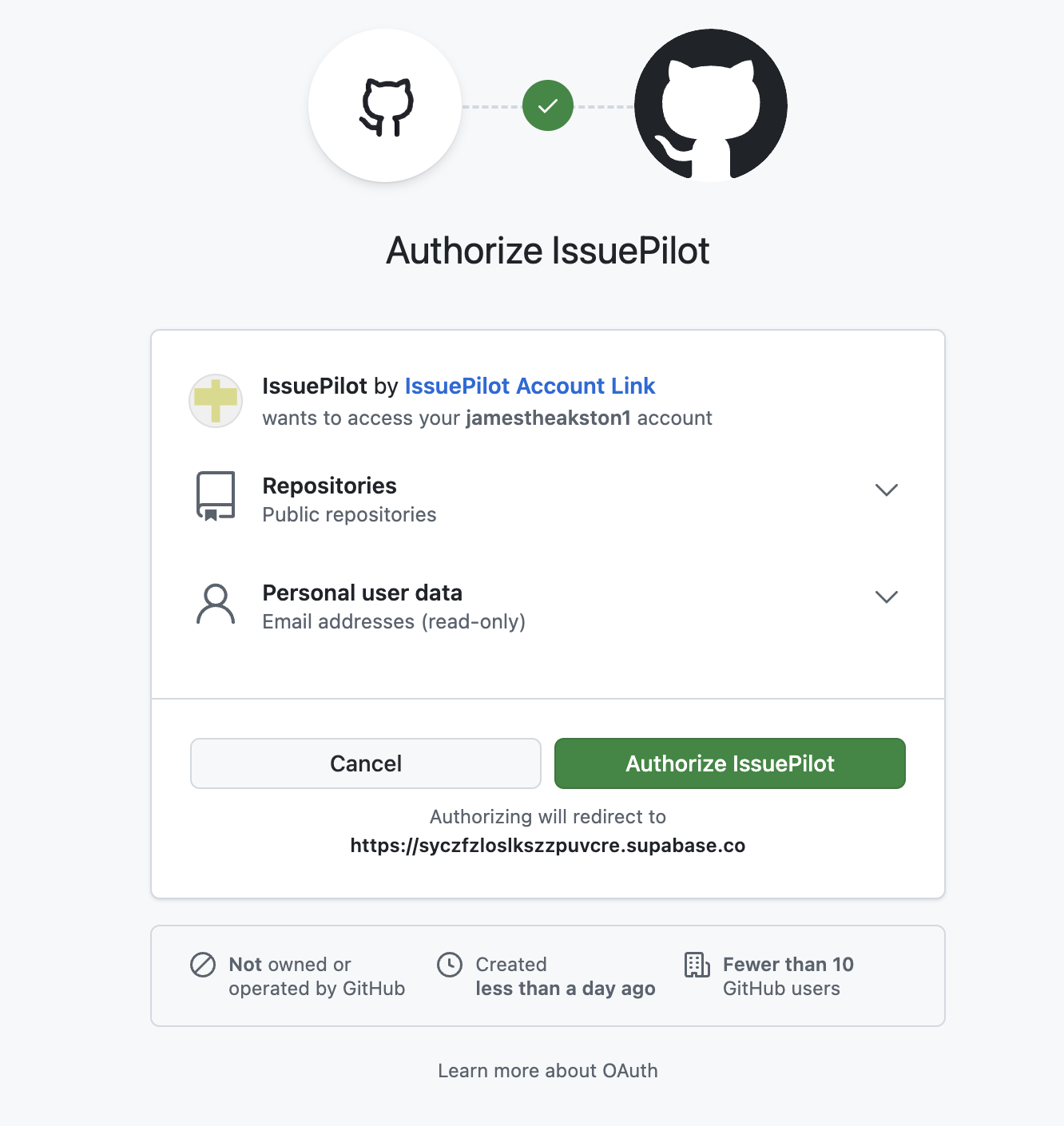
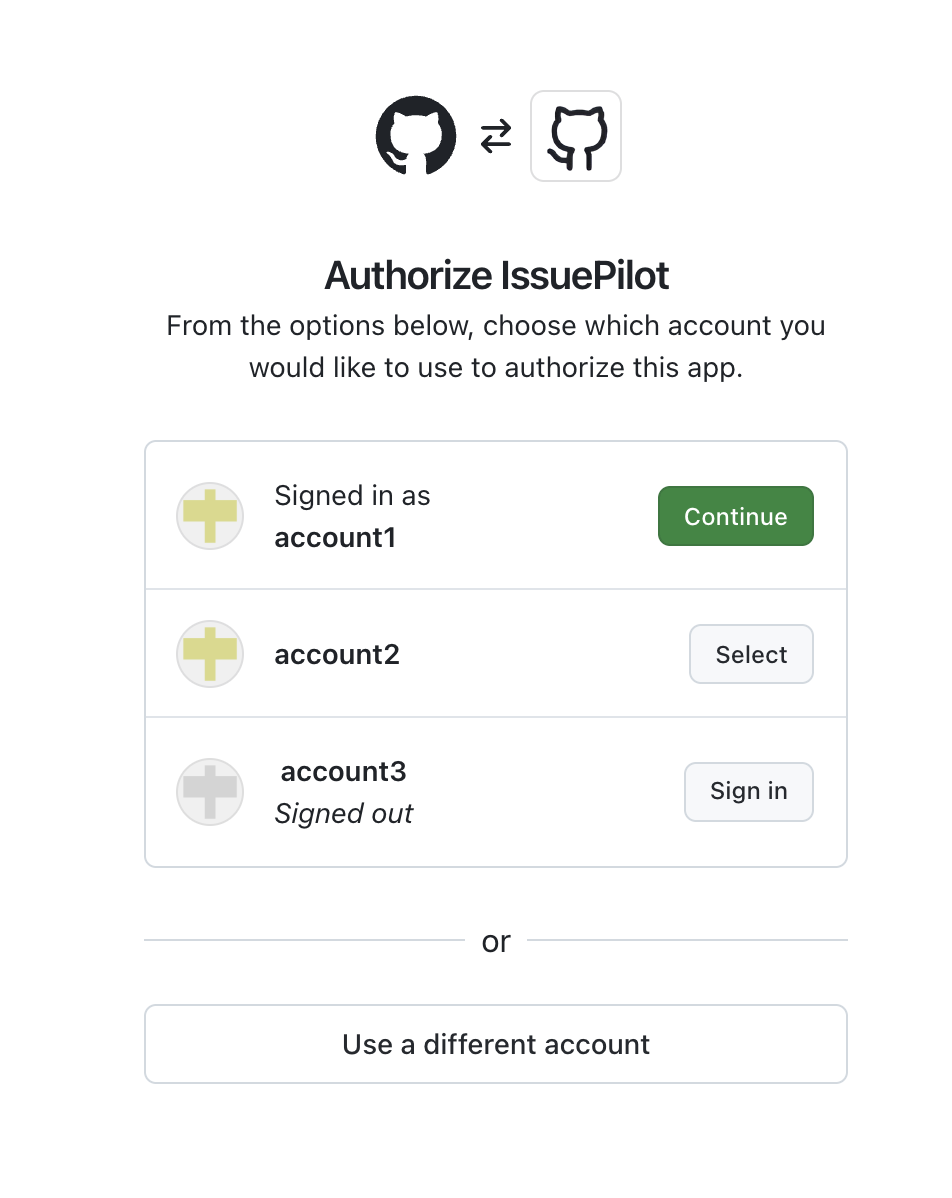
2. Selecting an Account During Authorization
If you are currently signed into multiple GitHub accounts in your browser, the GitHub authorization screen will prompt you to select which account you want to link to OpenPilot.
Steps:
- Visit OpenPilot.
- Click the 'Connect with GitHub' Button. You will be redirected to the GitHub account selection page.
- Select the account you wish to link OpenPilot to and then you will be redirected to the GitHub authorization page.
- Review permissions if you wish.
- Click 'Authorise OpenPilot' at the bottom of the page.
Only the single account you select on this screen will be linked to your OpenPilot profile.
Deleting Account
Video Guide
To follow along with this tutorial, please use the PiP option below to view the steps while on the required GitHub settings page:
https://github.com/settings/connections/applications/Ov23lie813N9LAMIwrVRThis link directs you to the GitHub settings page required to revoke OpenPilot access.
Developer Integration
This section is locked!
You need to connect your GitHub account to access this section.
This authentication is specifically for the OpenPilot Developer service and is separate from your main OpenPilot account.
Developer API Integration
Thanks for authenticating, Developer!
Section Coming Soon
The full API documentation and token generation console are currently under construction and will be available shortly.